Product Updates
In April we rebranded from our individual systems of Elogs, Meridian and Prosure 360 to the new unified Vantify. Rebranding was a combined effort, seeing all three systems have been updated to reflect a consistent design language that reinforces the connected nature of the Vantify platform.
Each of the systems operates exactly as you’re used to, maintaining the same great functionality you’re familiar with.
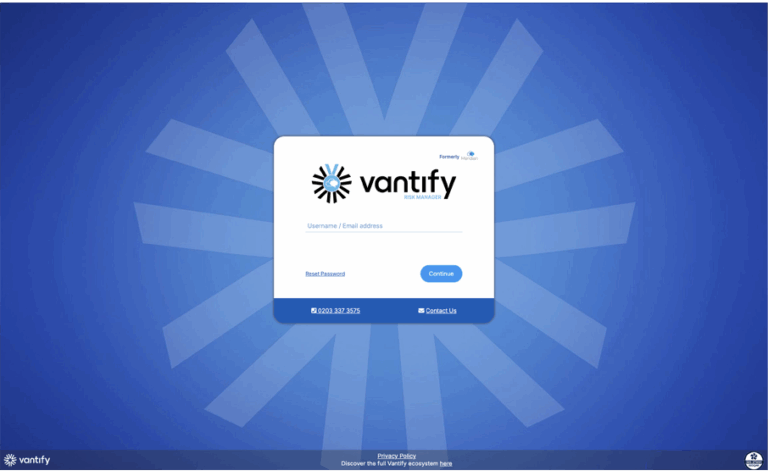
All three systems have been given a new, modern login screen with the same useful features such as reset password and contact numbers available on each.
When logging in you’ll have the same familiar feel with a matching top toolbar giving you the reassurance of being in an aligned system suite.
The process of aligning our systems is ongoing, and further improvements will continue to be introduced over time… so keep an eye out for future updates!
Single Sign On – Risk Manager
14/07/2025
Risk Manager now supports Single Sign-On (SSO), making it easier than ever for users to securely access the platform. Instead of remembering yet another set of login details, users can now log in using their central company email address and existing credentials.
There are several benefits to you and your company. SSO reduces the need for password resets and admin overhead, while also strengthening security by ensuring all user access is tied to your company’s central management. It’s also a faster, smoother login process with fewer barriers to getting straight into Risk Manager.
SSO also improves control and oversight. If someone leaves the organisation, their Risk Manager access can be automatically revoked as part of their company account deactivation – removing the risk of lingering accounts.
While SSO might not be the most “visual” feature in terms of screenshots or demos, it’s one of the most impactful updates for improving both security and user experience. By simplifying how people access Risk Manager, we’re helping clients stay focused on what really matters: managing risk effectively.
Insurance card layout – Supply Chain
17/06/2025
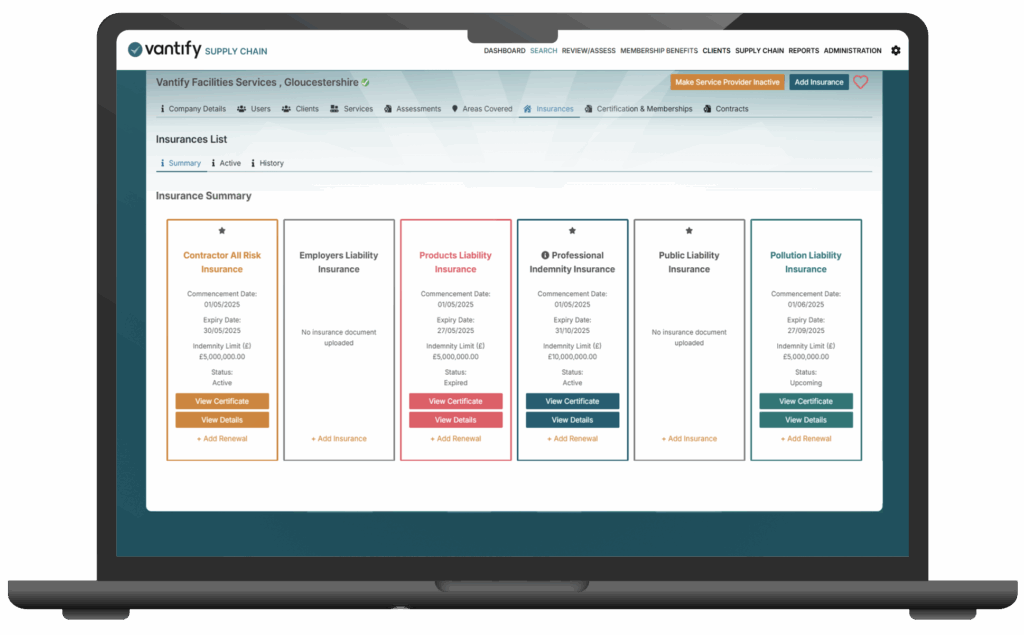
The insurance card makes it easier for service providers to stay on top of their insurance requirements.
In the new Insurances Card Layout, service providers can now:
- Clearly see which insurance types they’ve uploaded
- Instantly view key details like Indemnity Limits, Expiry Dates, and Status
- Identify missing insurance types
- Know exactly which insurances are required for their clients
This new, streamlined layout was designed in response to feedback from service providers who weren’t sure what insurances they had on the system, or what they needed to add. Our clean, intuitive interface now puts everything front and centre:
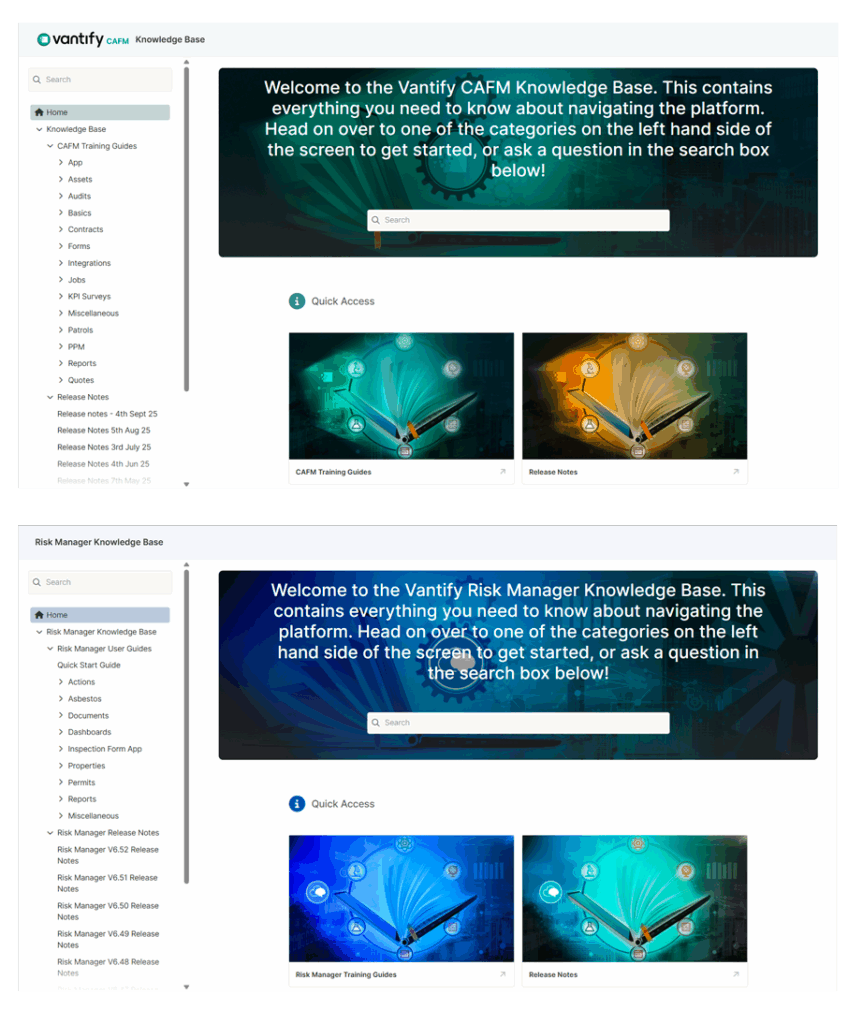
This opens the Knowledge Base portal, where articles are organised into clear sections for easy navigation. You can also use the homepage search to quickly find the information you need.
You can even find the latest release notes from this page as well.
CAFM and Risk Manager
01/06/2025
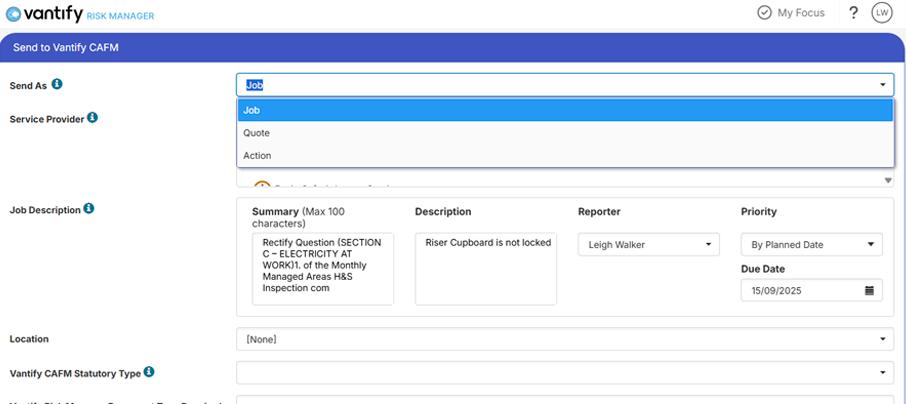
We’ve always had the ability to send actions from Risk Manager to CAFM and to return specified files, but now the integration goes well beyond this. Actions can now be sent to CAFM as an action, job or quote, sending it directly to a service provider, and if you’re the approver on both systems you don’t even need to step in to approve it.
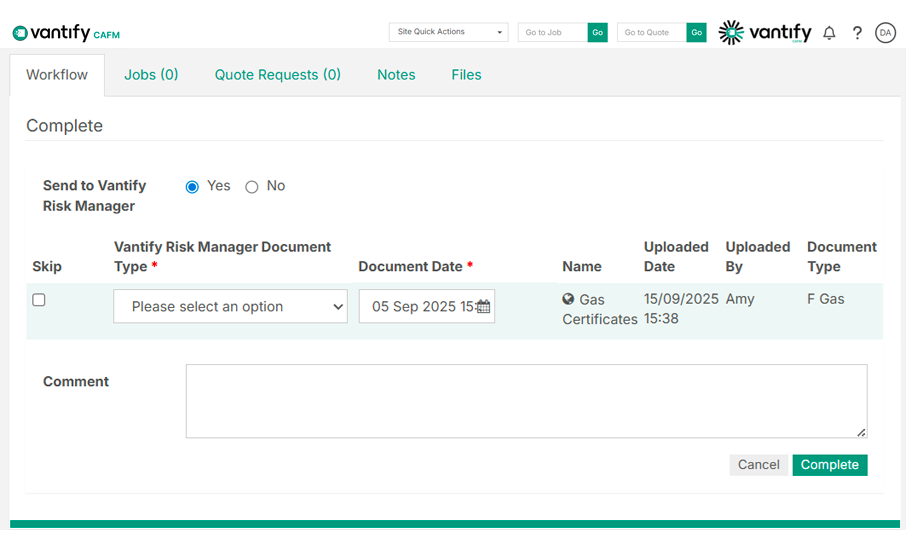
If a file has been submitted by the service provider, they are no longer responsible for sending it to Risk Manager. Previously, this often led to files being missed or uploaded with incorrect document types, which created unnecessary administrative work, especially when files needed to be corrected. Now, files are reviewed and approved within CAFM as part of the standard paperwork process. They are only passed to Risk Manager once you, as the approver, are satisfied with the file and have selected the correct document type. This gives you greater control and removes the need to repeat tasks.
Supply Chain, Risk Manager & CAFM
01/06/2025
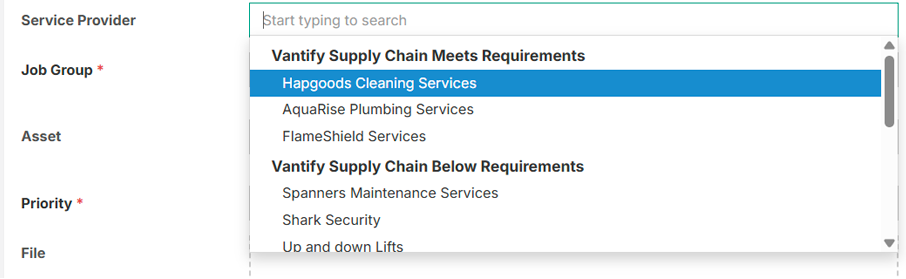
The status of the service providers is now displayed on Risk Manager, either in the service providers section or when sending the job over to CAFM. Hover over the company to see their status:
Supply Chain and CAFM
Similarly, when logging a job in CAFM you can see the status of the service provider in a similar manner. It will advise you if you have chosen a company that is below requirements.
The status will be recorded when the job has been approved and will again record it at the end of the job once complete. This gives you the reassurance of knowing if the status changed during the job you’ll be supported by the system in your decision to assign the job to them:
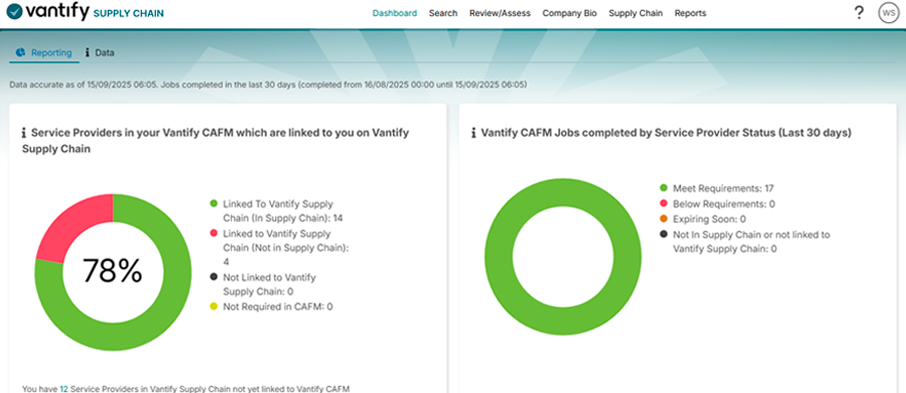
You can see the status of each of the service providers on your service providers list.
Information about the jobs is also passed back to Supply Chain allowing you to review the service providers without leaving the Supply Chain system:
Watch jobs - CAFM
07/05/2025
The new Watch Jobs feature allows you to monitor specific jobs more closely. Whether it’s a high-risk task, a job requiring extra attention, or one you simply want to track, you can now add it to your personal watch list. Click the Watch button within the job to save it for quick and easy access.
From any job click “Watch”:
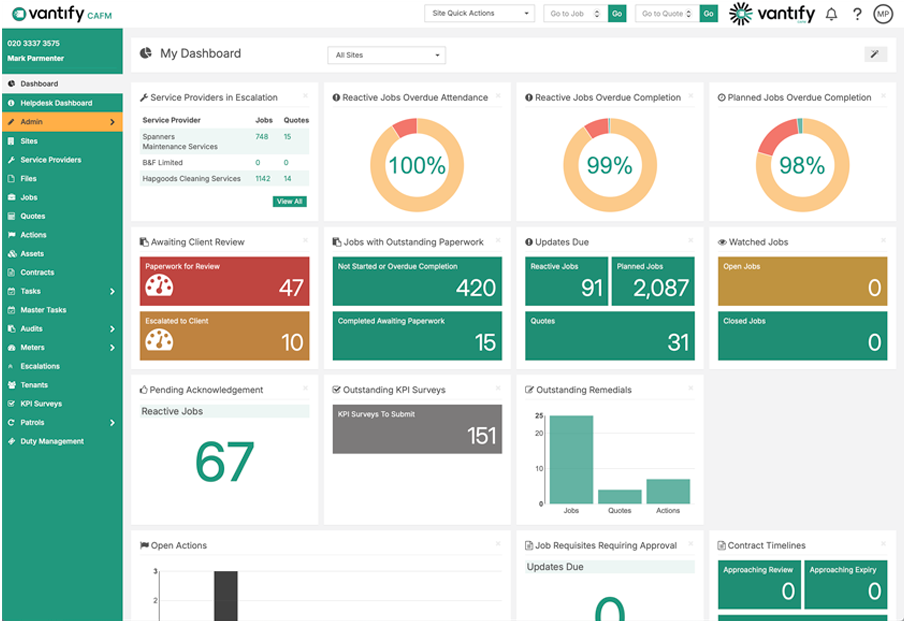
Which will add it to your watch widget on the dashboard:
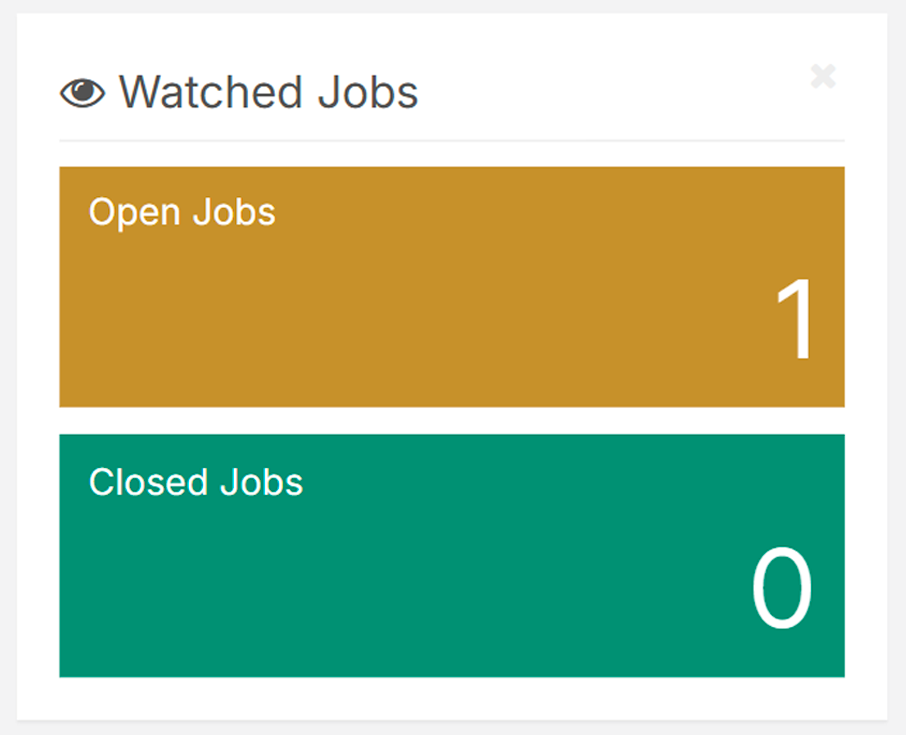
You can watch both open and closed jobs. A closed job does not always mean your involvement is complete, as remedials or follow-up actions may still be required, especially on higher-risk issues. Email notifications are sent for any updates to watched jobs, so you stay informed and nothing important is missed.
Knowledge Bases
16/04/2025
Whilst not a new system development, a special mention goes to the launch of our new Knowledge Base articles, now accessible directly from both Risk Manager and CAFM. These resources provide users with clear, step-by-step guidance on everything from the basics to the most advanced features, ensuring you always have the tools you need to get the most out of the system.
From either system click the question mark in the corner and select knowledge base.