
Raise it once.
Track it all the way
Send any action from Risk Manager to CAFM as a job, a quote or an action. Every update comes back instantly, and the certificate lands in Risk Manager as soon as the paperwork is approved.
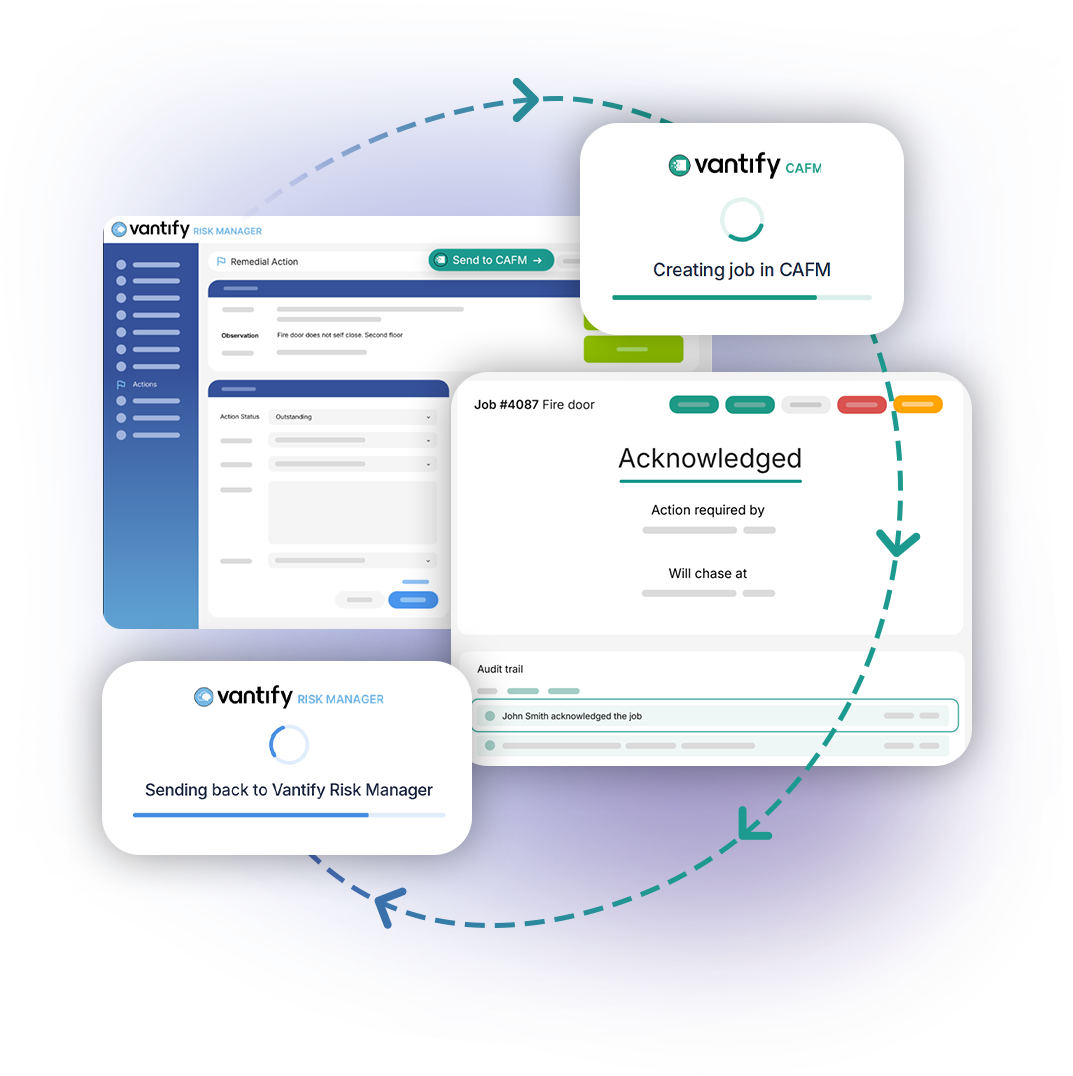
How it works
What you get
No more double entry
Actions, updates and files move between the two systems, so nobody types anything twice.
Approve once
When the same person approves paperwork in both systems, certificates from planned maintenance go straight into the right place in Risk Manager. One approval covers both.
Engineers who arrive informed
We can set up your jobs to show the Risk Manager documents your providers need, such as fire risk assessments, live from the source.
You stay in control
Actions never close themselves. They come back with the full job history, so whoever signs them off has the evidence in front of them.

See an action go from finding to filed
We'll show you the full loop on a live demo.