
Know who you're letting on site
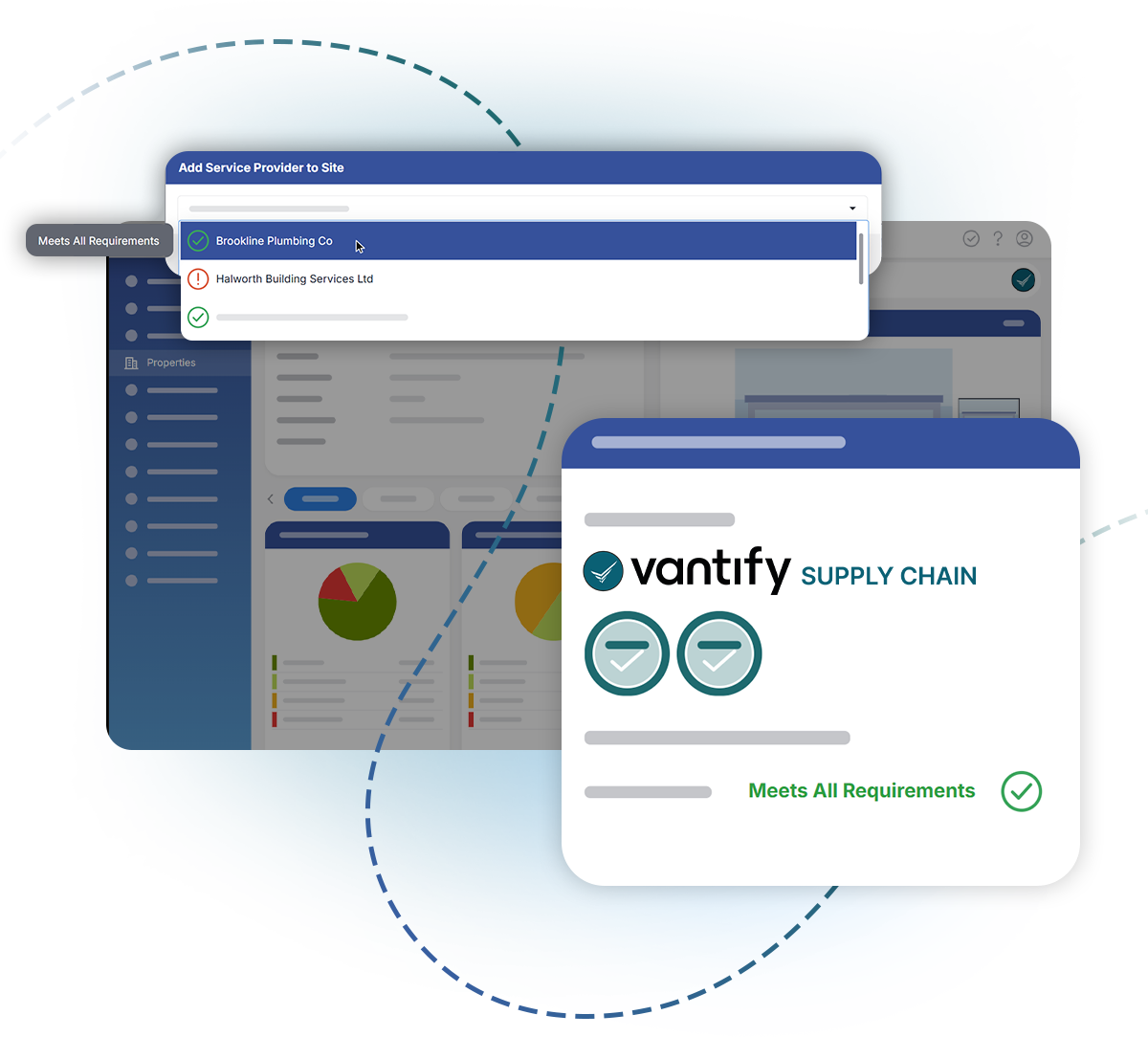
Supply Chain shows you every service provider’s compliance status, based on your requirements. When combined with Risk Manager, you can see that information in one platform.
How it works
What you get
Building and contractor risk in one place
Your properties, your actions and the people working on them, all in Risk Manager.
Proof of the checks you made
Status is captured when a permit is approved and again when work starts, so you can show what you knew at the time.
Contractors with their own login
Give providers permit user accounts, linked to their Supply Chain profile and showing the properties they're assigned to.
Useful with or without permits
Provider status shows across Risk Manager whether or not you use permits to work.

See who's on your sites, and whether they should be
We'll show you the full loop on a live demo.