
Know who's compliant before you book them
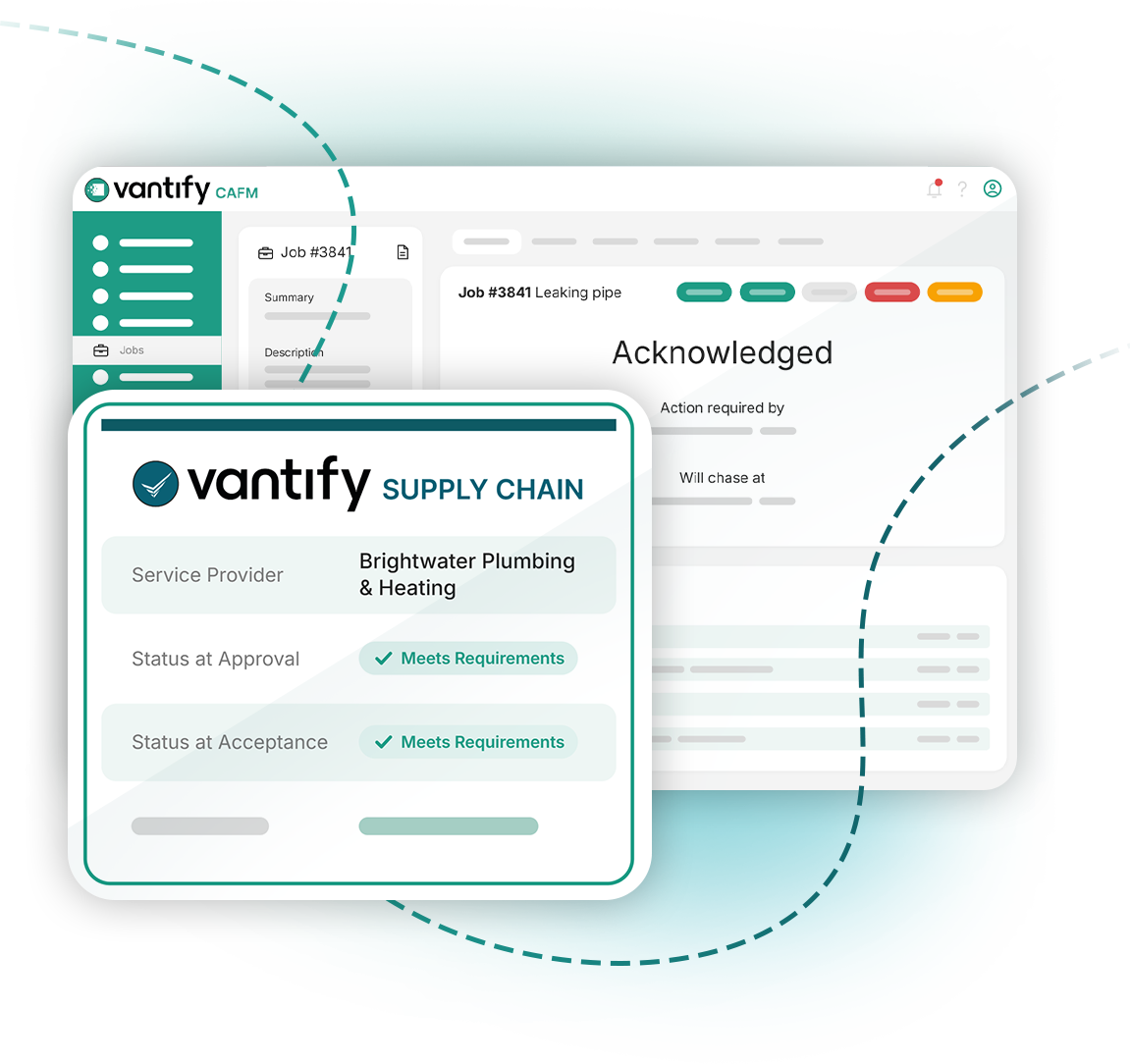
Every service provider's Supply Chain status shows in CAFM the moment you log a job or quote. You never need to leave CAFM to check.
How it works
What you get
Your standards, applied every time
Status is measured against the requirements you set, from SSIP assessments to insurance levels.
Checked providers first
Anyone not in your Supply Chain drops to the bottom of the list, so your team sees the right names first.
Never stuck in an emergency
CAFM warns rather than blocks. At 2am with water coming through the ceiling, you can still send the only provider available, and the decision is recorded.
Evidence when it matters
Status is captured at the start and end of every job, so you can always show what you knew at the time.

See your providers' status where you book the work
We'll show you the full loop on a live demo.