
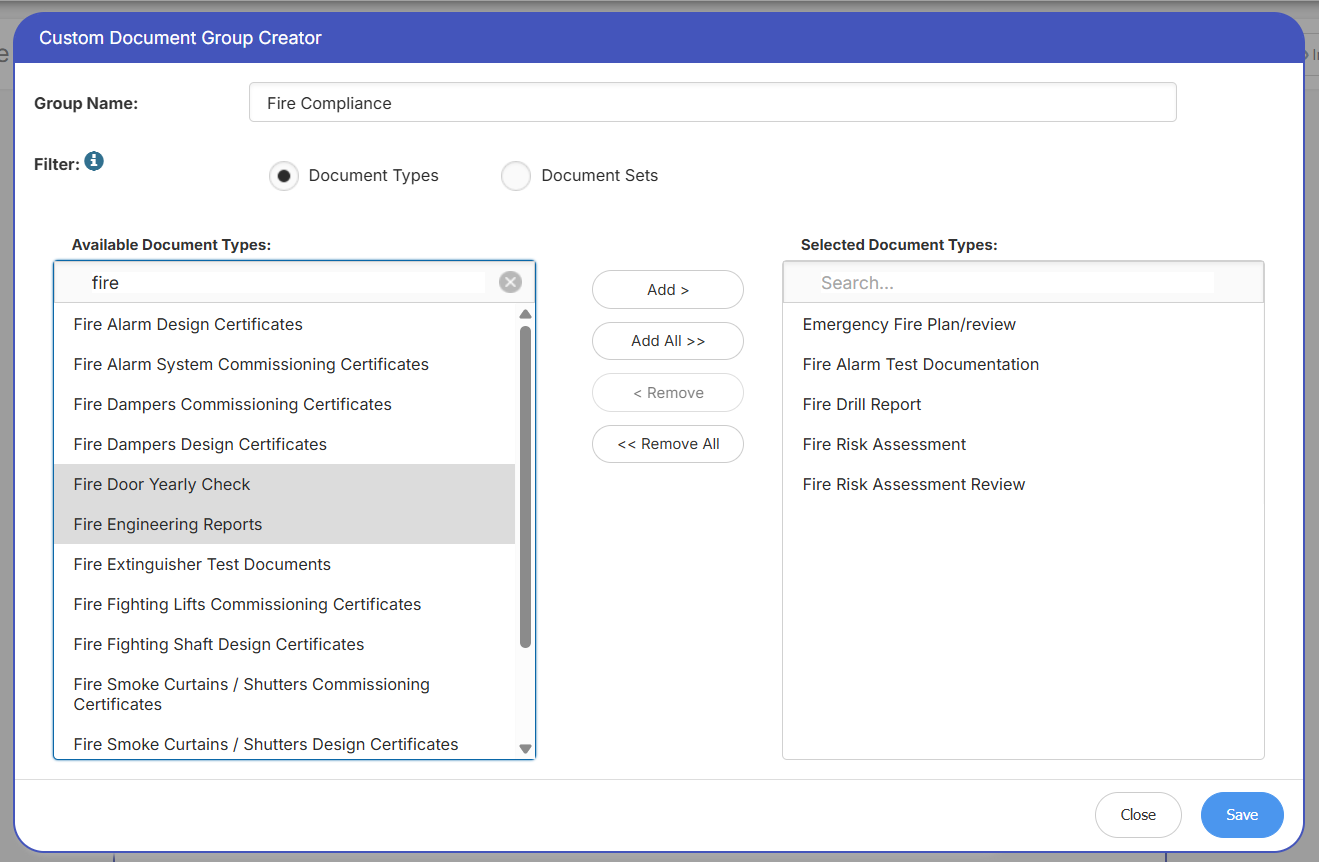
When creating users configure the automated compliance report, users can create bespoke groups based on document types or sets. This adds significantly more flexibility & capabilities to the report, some example use cases could include:
- The user doesn’t want to include particular internal document types in their client report – individual Document Types can now be excluded
- The user wants to produce a discipline specific report e.g. a Fire Report – All Fire related Document Types can included (leaving everything else excluded)
- The user wants to report on a subset of properties/document types (based on a selected Document Set) e.g. HRB – The user can select just the HRB Doc Set.
- An Asbestos Report for the London Region Properties
- A Client report for a specific portfolio, excluding document types that are not relevant to the client
- And any conceivable combination of Properties and Documents…